





'%3e%3cpath%20fill-rule='evenodd'%20clip-rule='evenodd'%20d='M33%2033H1V1H33V33Z'%20fill='white'/%3e%3cpath%20fill-rule='evenodd'%20clip-rule='evenodd'%20d='M33%2033H1V17H33V33Z'%20fill='%23DC143C'/%3e%3c/g%3e%3crect%20x='0.5'%20y='0.5'%20width='33'%20height='33'%20rx='16.5'%20stroke='black'%20stroke-opacity='0.1'/%3e%3cdefs%3e%3cclipPath%20id='clip0_37449_250459'%3e%3crect%20x='1'%20y='1'%20width='32'%20height='32'%20rx='16'%20fill='white'/%3e%3c/clipPath%3e%3c/defs%3e%3c/svg%3e)

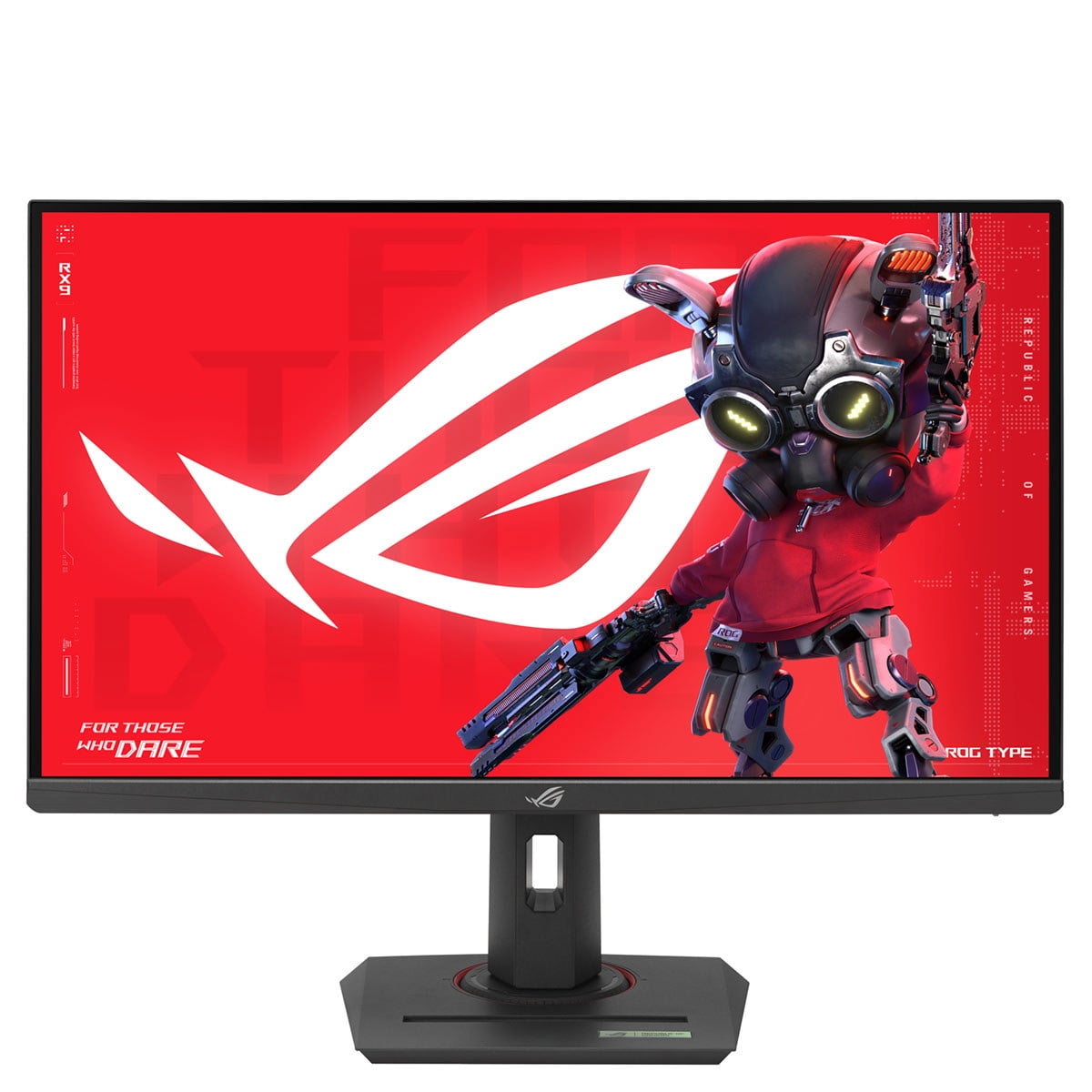

On paper, the specs look great, but switching between ultra-detailed single-player worlds and lightning-fast esports demands hardware that moves with you. ASUS ROG Strix XG27UCG Monitor pairs a 4K Fast IPS panel with a hotkey that flips into 1080p 320Hz, delivering both cinematic detail and competitive responsiveness.
⚡ At a Glance
- • Image Quality: Fast IPS 4K with DisplayHDR400 for vivid colors and sharp detail
- • Best suited to: PC players who switch between immersive single-player titles and high-frame-rate esports
- • Struggles with: Pro 360Hz esports competitors using 1080p at 360Hz, because the 320Hz cap in competitive mode will not match 360Hz displays, subtly reducing the absolute smoothness top-tier players expect
4K Fast IPS panel delivers high-detail visuals while a hotkey switches the display into a 1080p 320Hz esports mode. G-SYNC and FreeSync compatibility, plus ELMB-SYNC, eliminate tearing and reduce ghosting for smooth gameplay.
📋 Technical Details at a Glance
- Screen Size: 27-inch (roughly the width of a full ceramic casserole dish)
- Panel Type: Fast IPS
- Native Resolution: 4K UHD
- Max Refresh Rate (4K): 160 Hz
- Max Refresh Rate (FHD): 320 Hz (via hotkey Frame Rate Boost)
The Visual Fidelity: Why Fast IPS and DisplayHDR400 Matter
Fast IPS with native 4K resolution keeps color and contrast accurate while pixels refresh quickly, yielding clear motion and crisp textures in single-player scenes. DisplayHDR400 raises highlight brightness enough to make bright effects pop on-screen without washing midtones.
Rich color and high resolution bring cinematic games and creative work to life, while quick pixel response prevents smearing during camera pans. Expect improved detail in textures and sharper shadows, though DisplayHDR400 represents an entry-level HDR step rather than deep contrast found on higher-tier HDR displays.
Does Frame Rate Boost Live Up to the Hype?
A dedicated hotkey switches the panel from native 4K to a 1080p 320Hz mode for esports, paired with a 1 ms response time to minimize input lag and motion blur. ELMB-SYNC and VRR compatibility maintain tear-free visuals and reduce ghosting when frame rates surge.
Competitive players gain an ultra-fast refresh path that reduces motion latency and smooths tracking for high-FPS shooters. If you engage the 1080p 320Hz mode, expect a visible reduction in pixel-level detail compared with 4K, so reserve the mode for match play rather than story-driven sessions.
Unlocking Smooth Gameplay with VRR and ELMB-SYNC
G-SYNC and FreeSync compatibility synchronizes frame delivery between GPU and panel, while ELMB-SYNC eliminates tearing and ghosting even at high frame rates. ASUS Variable Overdrive adjusts the overdrive setting dynamically as frame rates fluctuate to maintain clarity without introducing inverse ghosting.
Frame pacing stays steady during fast action, producing a stable image across varied titles from shooters to racers. A practical trade-off appears when pushing for competitive refreshes: switching modes improves responsiveness but reduces the native resolution, so gamers seeking both top-tier clarity and absolute peak refresh must accept a mode switch between tasks.
❓ Frequently Asked Questions
Q: What does the USB Type-C connection handle?
A: Includes a USB Type-C connection for modern connectivity, but the listing does not specify power delivery or alternate modes; confirm laptop charging or docking support with the retailer before relying on a single-cable setup.
Q: How does the hotkey change affect image detail?
A: The hotkey switches the panel to 1080p at 320Hz to prioritize refresh rate and responsiveness, and as a result pixel-level detail decreases compared with the native 4K mode; use the hotkey for competitive sessions and switch back for visual fidelity.
