





'%3e%3cpath%20fill-rule='evenodd'%20clip-rule='evenodd'%20d='M33%2033H1V1H33V33Z'%20fill='white'/%3e%3cpath%20fill-rule='evenodd'%20clip-rule='evenodd'%20d='M33%2033H1V17H33V33Z'%20fill='%23DC143C'/%3e%3c/g%3e%3crect%20x='0.5'%20y='0.5'%20width='33'%20height='33'%20rx='16.5'%20stroke='black'%20stroke-opacity='0.1'/%3e%3cdefs%3e%3cclipPath%20id='clip0_37449_250459'%3e%3crect%20x='1'%20y='1'%20width='32'%20height='32'%20rx='16'%20fill='white'/%3e%3c/clipPath%3e%3c/defs%3e%3c/svg%3e)

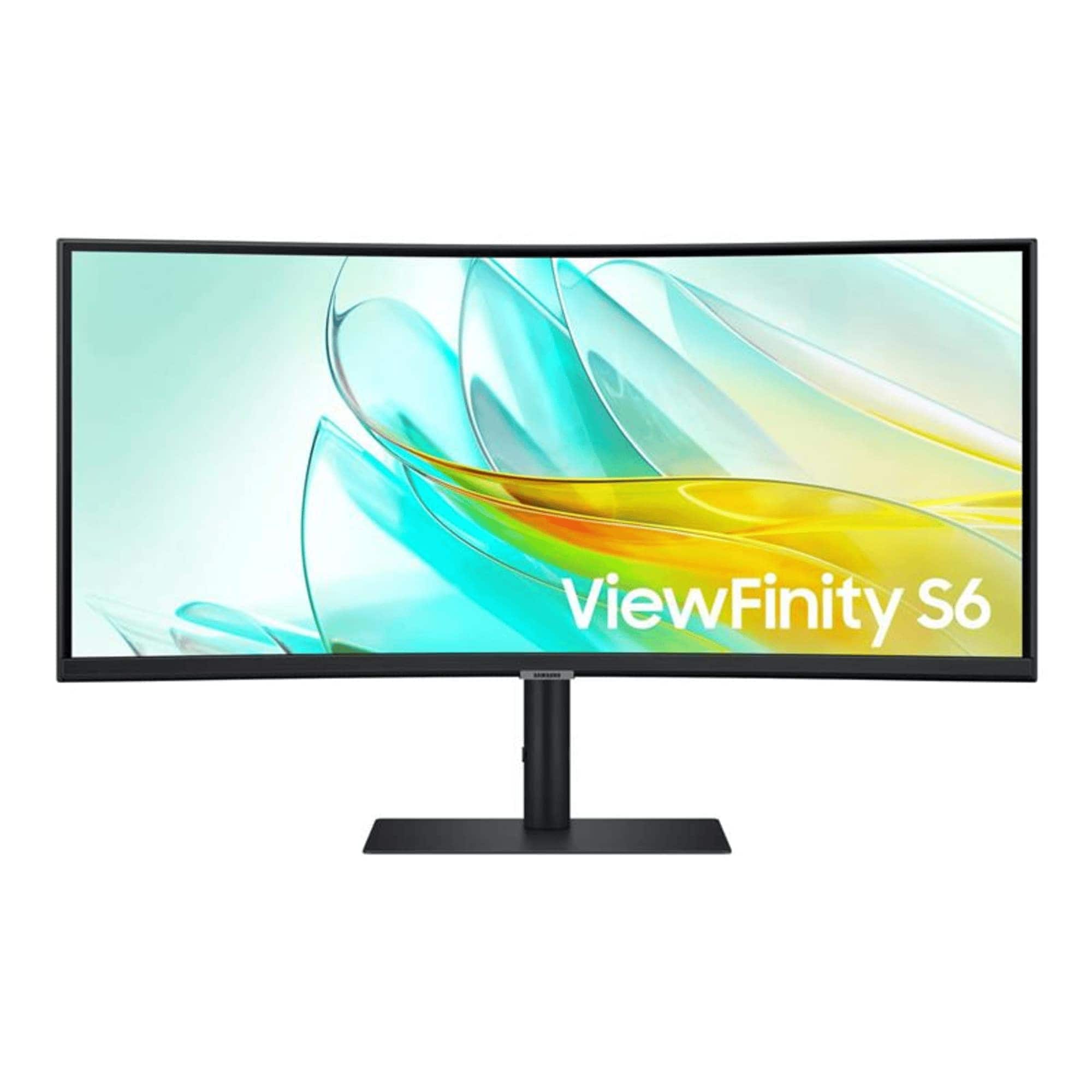
Streamlining your workflow starts with a display that reduces window juggling and keeps reference material visible. Samsung ViewFinity S65UC Curved Monitor brings Ultra-WQHD, a 21:9 aspect ratio and HDR10 to a single screen, expanding desktop real estate for editing and multitasking. Expect a broad, color-rich canvas that makes long timelines and spreadsheets easier to scan.
⚡ At a Glance
- • Image Quality: Ultra‑WQHD resolution with HDR10 and one billion colors for deeper contrast and richer tones
- • Recommended for: Creative professionals and power users who need wide, color‑accurate workspace and easy device docking
- • Points to consider for: Competitive esports players running 240Hz+ setups; the 100Hz refresh rate caps frame output and limits motion responsiveness compared with high‑refresh gaming panels
Ultra‑WQHD and a 21:9 1000R curved field deliver wide, immersive viewing for content creation. USB‑C power/data, a LAN passthrough and a built‑in KVM simplify laptop docking and switching.
Does Ultra‑WQHD Image Quality Live Up to the Hype?
Ultra‑WQHD resolution combined with HDR10 and a stated palette of one billion colors expands dynamic range and color depth for photos and video. By using a 21:9 1000R curve, peripheral immersion keeps long timelines and reference windows within a single glance, reducing eye travel between multiple displays.
Greater horizontal resolution lets editors place timelines and full‑height reference material side‑by‑side without constant zooming, improving review speed. Expect excellent color and contrast for general creative work, but color‑critical workflows should verify gamut and calibration needs since professional color targets and factory calibration details are not supplied.
Solving Docking and Switching with USB‑C, LAN and KVM
A USB‑C port carries power and data over one cable while a LAN passthrough gives network access to laptops without built‑in ethernet, streamlining a single‑cable workspace. Built‑in KVM functionality lets one keyboard and mouse control multiple hosts, removing peripheral swapping during hybrid work sessions.
Single‑cable docking clears desktop clutter and speeds transitions between laptop and desktop setups, and the LAN passthrough brings wired networking to thin laptops. If you switch frequently between two machines, the KVM switch eliminates constant unplugging and replugging; built‑in speakers cover basic meetings but do not replace a dedicated audio setup for critical listening.
✨ The Verdict on ViewFinity S65UC Performance
- 1000R Curved Panel – Places more content in peripheral view for immersive multitasking
- 21:9 Aspect Ratio – Lets multiple full‑height windows sit side‑by‑side without scaling
- USB‑C Power and Data – Enables single‑cable docking for laptops with charging and display over one port
- Integrated KVM Switch – Switches keyboard and mouse between systems without extra hubs
📋 Technical Details at a Glance
- Screen size: 34-inch
- Curvature: 1000R
- Aspect ratio: 21:9
- Resolution: Ultra‑WQHD
- Refresh rate: 100Hz
❓ Frequently Asked Questions
Q: Are the built‑in speakers suitable for conference calls and casual video?
A: Built‑in speakers provide basic audio for video calls and system alerts, but pairing with headphones or a desktop speaker yields fuller sound for media and detailed audio work. Pro tip: Use headphones for critical listening and reserve the integrated speakers for quick calls or reference playback.
Q: Can the USB‑C port power a laptop and carry video at the same time?
A: The USB‑C port transmits both power and data, enabling single‑cable docking for compatible laptops that accept USB‑C power and display signals. Pro tip: Confirm laptop USB‑C PD and Alt‑Mode support in the laptop specifications to ensure full docking functionality.
Q: Can a laptop without an ethernet jack use the LAN port for wired networking?
A: The LAN port connects a LAN‑less laptop to ethernet through the display, providing wired network access without a separate dock. Pro tip: Check the laptop’s network settings after connecting and, if needed, enable or prioritize the wired adapter for stable connections during large file transfers.
🏆 Our Verdict
Creative professionals and hybrid workers who need a wide, color‑rich desktop will gain the most from these features. The 1000R curve and 21:9 canvas create an enveloping workspace that keeps timelines and reference panels in a single view, which feels more immediate than flat ultrawides. Ownership delivers strong long‑term value for daily heavy users, while occasional users may prefer a simpler 16:9 option.
